How It Works
Every recording below is the real tool, running exactly as it does when you use it — nothing staged, nothing sent anywhere. Open your network tab while you watch if you don't believe us.
JSON Formatter & Validator
Paste JSON and watch it format live, catch mistakes as you type, and copy the result — all without a round trip to a server.
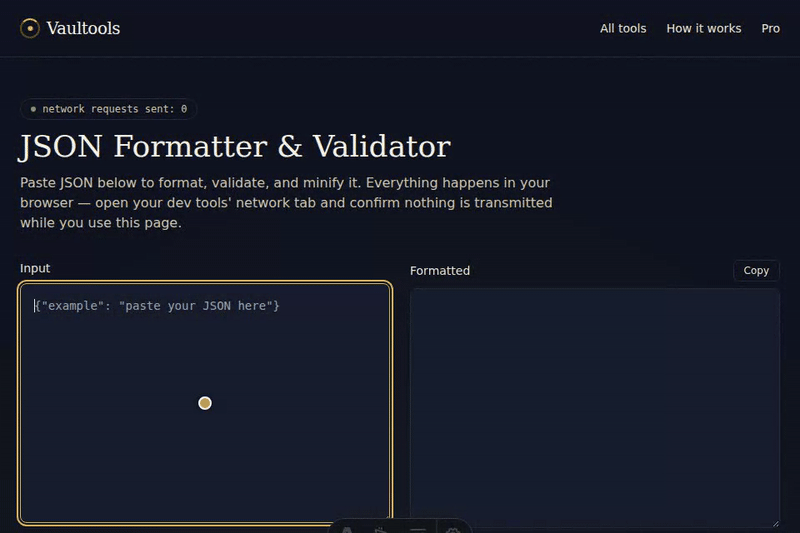
- Paste or type JSON into the input box — it formats live as you type.
- Click "Show minified instead" to toggle between formatted and minified output.
- Click "Copy" to copy whichever version is showing to your clipboard.
JWT Decoder
Paste a token to see its header and payload decoded instantly, plus an at-a-glance read on whether it's expired.
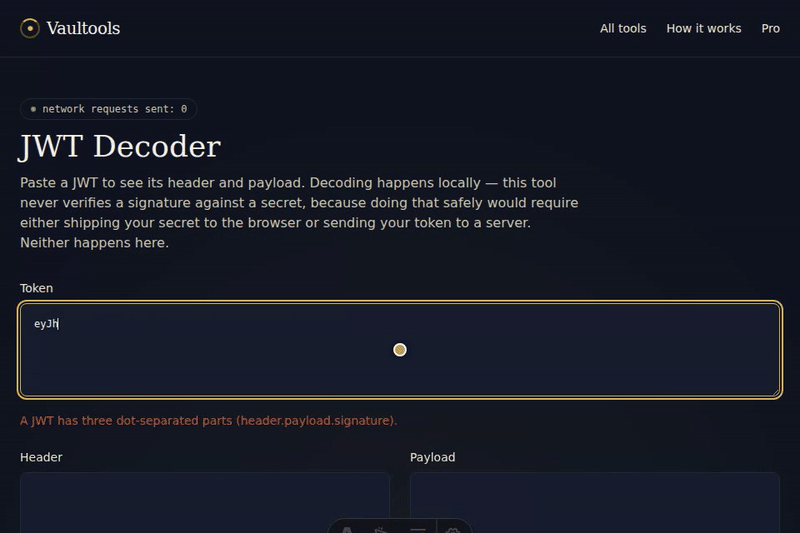
- Paste a JWT into the token box.
- Its header and payload appear decoded on the right, immediately.
- If the token has an "exp" claim, an expiry line tells you whether it has already expired.
UUID & Hash Generator
Generate a fresh UUID v4 with one click, or hash any text with SHA-1/256/384/512 using your browser's own Web Crypto API.
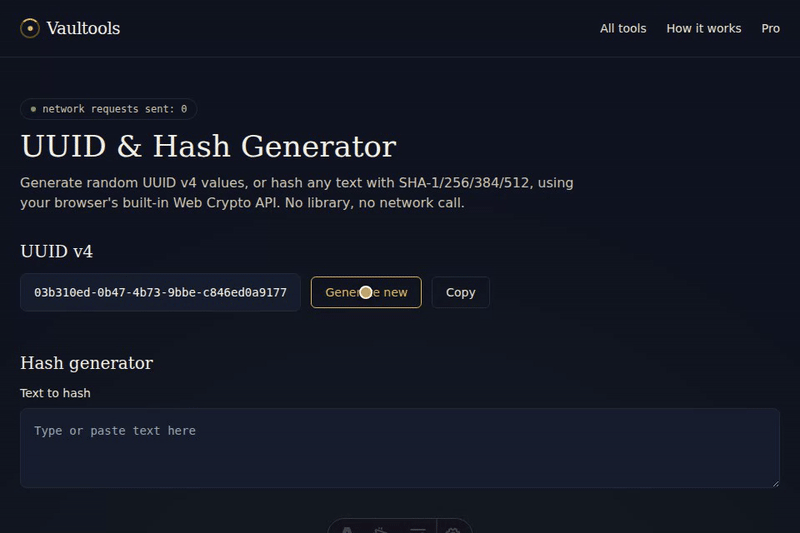
- Click "Generate new" for a fresh random UUID v4 — click again any time for another.
- Type or paste text into the hash box to see SHA-1, SHA-256, SHA-384, and SHA-512 digests appear.
- Click "Copy" next to the UUID to copy it to your clipboard.
JSON Formatter — Batch Mode (Pro)
Pro unlocks batch mode: format a whole stack of JSON documents at once, each one validated independently, still entirely in your browser.
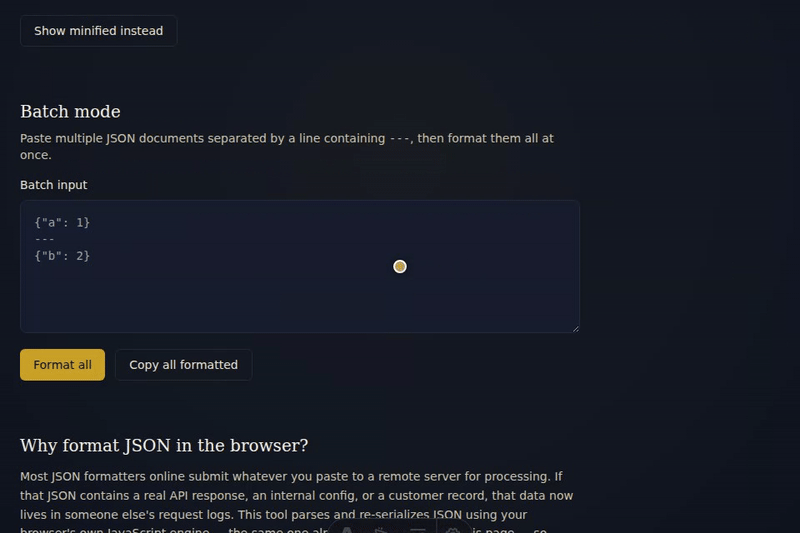
- Paste multiple JSON documents into the batch box, each separated by a line containing "---".
- Click "Format all" — every item formats independently, with a ✓ or ✗ showing which ones parsed.
- Click "Copy all formatted" to copy every successfully formatted item to your clipboard.
UUID & Hash Generator — Batch Mode (Pro)
Pro unlocks batch mode: generate dozens of UUIDs at once, or hash a whole list of values in one pass.
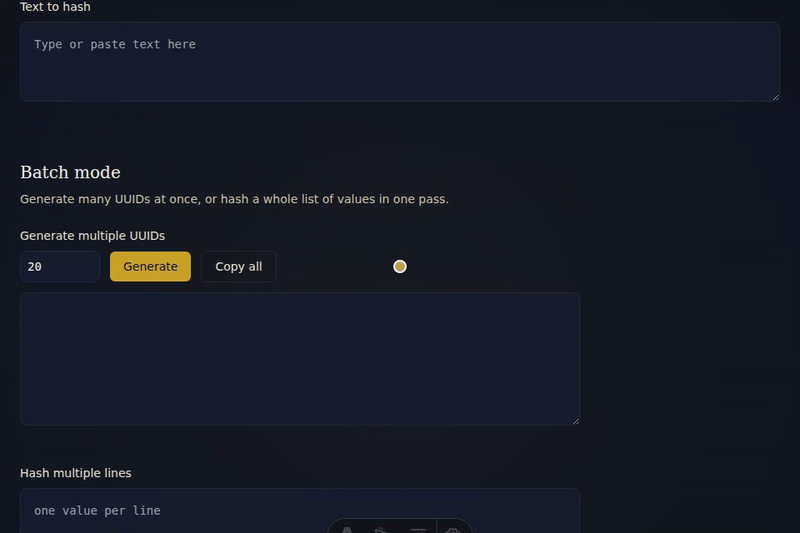
- Set a count and click "Generate" to produce that many UUID v4 values at once.
- Click "Copy all" to copy the whole batch to your clipboard.
- Paste multiple lines into the batch hash box, pick an algorithm, and click "Hash all" to hash every line in one pass.
Regex Tester
Type a pattern and some text to test it against, and watch matches, capture groups, and a live replacement preview update as you type.
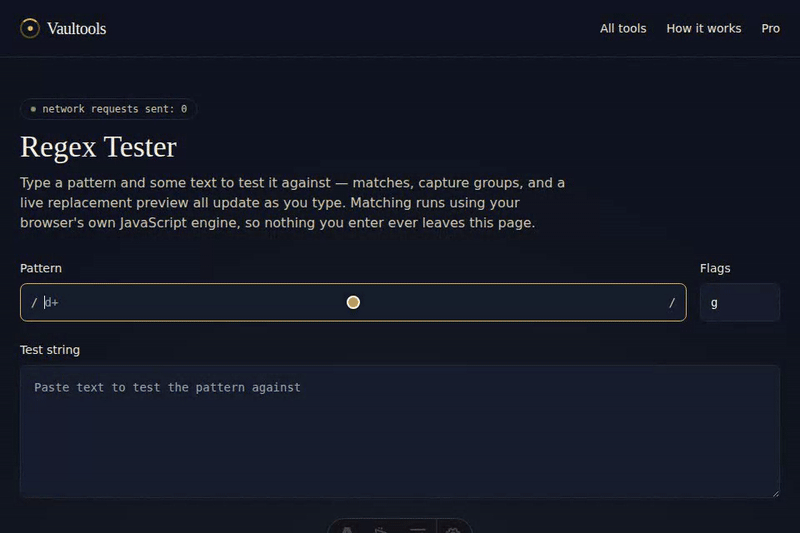
- Type a pattern (and optional flags) into the pattern box.
- Paste or type text into the test string box — matches and capture groups appear below it live.
- Type a replacement to preview the result of replacing every match, then click "Copy" to copy it.
Timestamp Converter
Convert a Unix timestamp to a readable date, or a date to a Unix timestamp — both directions update live as you type.
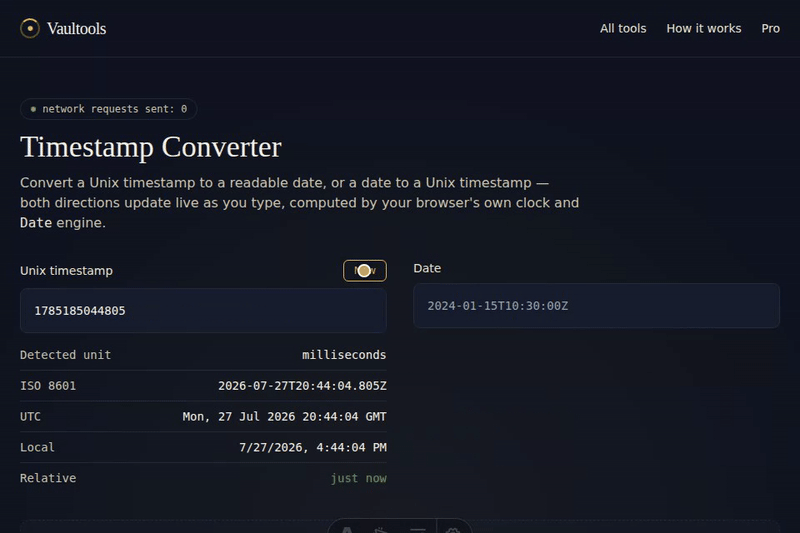
- Click "Now" to fill in the current Unix timestamp, or type/paste one of your own.
- Its detected unit, ISO 8601, UTC, local time, and relative time appear immediately.
- Type a date into the other box to convert it back to seconds and milliseconds.